
✅ Current for tax year 2026
Quick answer: For most sole proprietors, the statement descriptor should match your legal name — or your registered DBA if you have one — not a nickname or platform name, so payouts stay identifiable when you reconcile income against your Schedule C.
What Stripe Express actually is
A number of gig and marketplace platforms use Stripe Connect to handle contractor payouts, and Stripe Express is the portal those contractors use to manage their tax information, submit a W-9, choose e-delivery for their 1099, and view payout history. If a platform you work with pays through Stripe, this is likely where your 1099-NEC or 1099-K will show up each year.
What a “statement descriptor” is
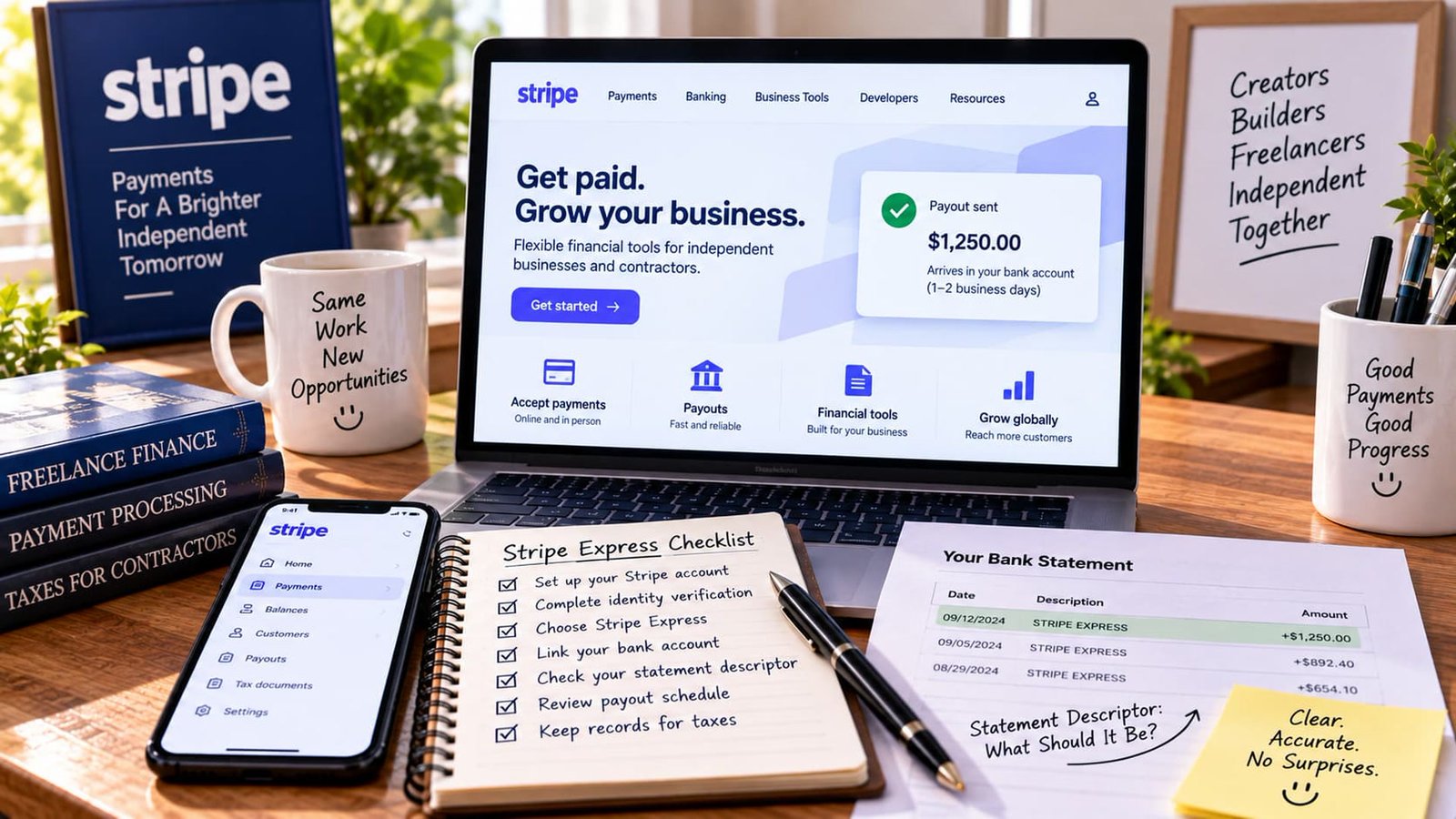
The statement descriptor is simply the text that appears on your bank or card statement next to a payout — separate from the legal name Stripe has on file for your 1099. It’s meant to help you (and anyone reviewing your statement) recognize where a deposit came from, and it’s editable within certain limits set by the platform and by Stripe itself.
Setting up your W-9 correctly the first time
Before the statement descriptor question even comes up, Stripe Express will ask you to submit a W-9 — this is where your legal name (or business name, if applicable) and taxpayer ID (SSN or EIN) get recorded for 1099 reporting purposes. Getting this right from the start matters more than the statement descriptor itself, since a mismatch between your W-9 name and your actual legal name can cause 1099 filing issues or delayed verification. If you operate under a DBA, most W-9 forms have a specific line for it separate from your legal name — fill in both correctly rather than only one.
Why it matters more than it seems
A statement descriptor that doesn’t match anything on your bank records makes bookkeeping harder — and if you’re ever asked to substantiate income (for a loan application, a benefits eligibility review, or in the unlikely event of an IRS inquiry), being able to trace a deposit straight from your bank statement to your Schedule C without a name mismatch saves real time. See Does the IRS Actually Know About Your Venmo and Cash App Income? for the broader picture of how digital payment trails get reviewed.

Troubleshooting a mismatch
If you notice your statement descriptor doesn’t match your bank’s name on file, or a payout shows up under a name you don’t recognize, don’t assume it will resolve itself — check your Stripe Express account settings directly and update it there. Waiting until tax season to notice a mismatch turns a two-minute settings change into a reconciliation project across potentially dozens of transactions.
- Submit a W-9 with your correct legal name and taxpayer ID
- Fill in your DBA separately, if you have one, rather than combining it with your legal name
- Set your statement descriptor to match your legal name or DBA exactly as it appears at your bank
- Opt into e-delivery for your 1099 so you don’t miss it at tax time
- Recheck your settings any time you change your legal name, business name, or bank account
Updating your info without breaking your 1099
If you change your legal name, business name, or EIN mid-year, update it through the platform’s Stripe Express settings directly — not just with your bank. A mismatch between what Stripe has on file and what actually shows up at your bank can cause payout or verification delays, and it’s the platform’s Stripe record, not your bank’s, that determines what name appears on your 1099 at year-end.
Where this fits into your bigger tax picture
Clean, identifiable payout records throughout the year make two things easier: filing an accurate Schedule C, and estimating your quarterly payments without having to reconstruct where your income actually came from after the fact.
What to do if you work with multiple Stripe-connected platforms
If you drive for or work with several platforms that each use Stripe Connect independently, you’ll likely have separate Stripe Express accounts or profiles for each — meaning your statement descriptor, W-9 information, and 1099 delivery preferences need to be checked and set correctly in each one individually, rather than assuming a setting in one automatically applies across all of them. This is a common source of confusion for multi-app gig workers, since it’s easy to assume “I already set this up” when you actually only set it up for one of several platforms.

What your 1099-K threshold means for Stripe-processed payments
Platforms using Stripe Connect to process contractor payments are generally required to issue a 1099-K once your payments cross a certain reporting threshold within the year — separate from any 1099-NEC the platform itself might issue for the same income. Receiving both isn’t double income, and it isn’t necessarily double the tax either, but it does mean your own records need to clearly show which forms correspond to which actual payments, so you (or your preparer) aren’t confused about whether an amount has been counted once or twice when totaling up your Schedule C income.
Security considerations worth knowing
Because Stripe Express holds your taxpayer ID and banking information, treat login credentials with the same care as any financial account — enable two-factor authentication if it’s offered, and verify any email claiming to be from Stripe Express by checking the sender domain directly rather than clicking links in an unexpected message. Phishing attempts targeting gig workers’ payment platforms have become common enough that platforms explicitly warn about this in their own help documentation.
How this fits alongside other payment platforms you might use
Stripe Express is common, but it’s not the only payment infrastructure gig and freelance platforms use — some rely on PayPal, direct ACH transfers, or their own proprietary payout systems instead. The core principle from this guide applies regardless of the specific platform: keep your legal name, business name, and payout descriptor consistent across every platform you work with, so your bank statements stay traceable to your actual Schedule C income no matter how many different payment systems are involved. A gig worker running income through three or four different platforms with three or four different name variations creates unnecessary reconciliation work that a little upfront consistency avoids entirely.
What to expect when you first set up a Stripe Express account
The first time you’re invited to create a Stripe Express account — typically triggered by a platform you’ve started working with — you’ll be asked for basic identity verification information in addition to your W-9 details, a standard step required by financial regulations for any platform handling payment processing. This verification step can occasionally take a day or two to clear, so it’s worth setting up your account as soon as you’re invited rather than waiting until you’re expecting an imminent payout, to avoid any delay in receiving your first payment.
Once verified, most of the ongoing maintenance described in this guide — checking your statement descriptor, confirming your W-9 details, opting into e-delivery for tax forms — takes only a few minutes and rarely needs revisiting unless your personal or business information changes.
Bottom line
The statement descriptor is a small setting with an outsized effect on how easy your own bookkeeping is later — set it to match your legal name or DBA, get your W-9 right from the start, and revisit both any time that information changes.
Related guides
- Top Gig Economy Apps to Make Extra Money on Your Own Schedule
- 1099 vs. W-2 Calculator: What the Same Salary Actually Costs You in Taxes
- No Tax on Tips: IRS’s February 2026 Instruction Change for Gig Workers
- Mileage Deduction Calculator
- No Tax on Tips: What It Means for Gig Workers 2025-2028
- What Really Happens If You Forget to Report a 1099