
✅ Current for tax year 2026
Quick answer: You don’t need all 15 at once — pick one from each of the three groups below based on where your time actually leaks (planning, tracking, or capturing/automating), and add more only as your workload genuinely requires it.
Group 1: Plan & organize
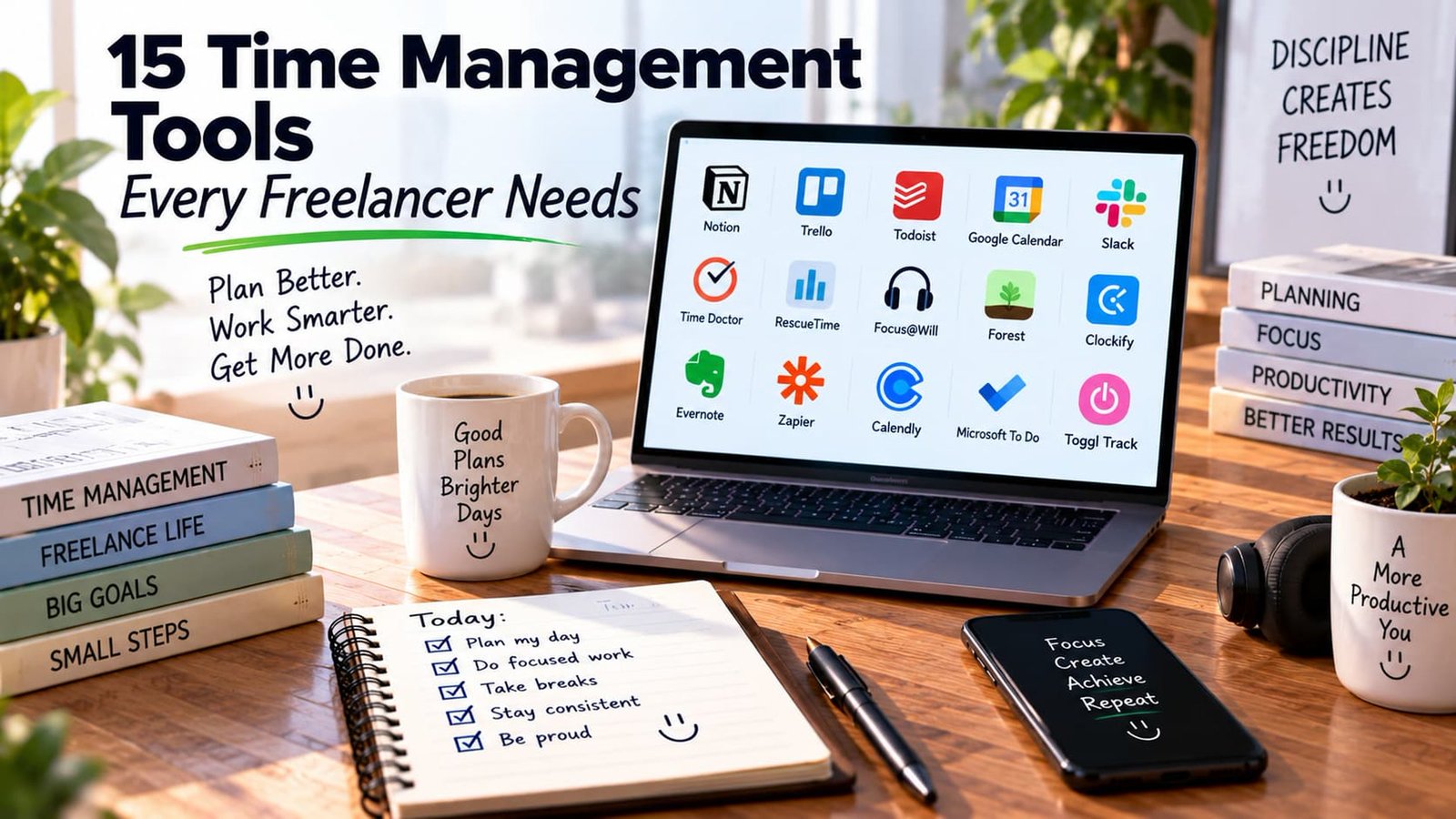
- Notion — flexible enough to combine tasks, notes, and client info in one connected workspace
- Trello — visual, board-based, good for simple project pipelines you can glance at
- Todoist — a clean, fast daily task manager for people who just want a reliable to-do list
- Google Calendar — the default most clients already expect to sync with
- Slack — useful once you’re coordinating with multiple clients or a small team, rather than relying on scattered email threads
Group 2: Track & focus
- Time Doctor — detailed time tracking with reporting, useful if you bill hourly across several clients
- RescueTime — passively tracks where your computer time actually goes, often revealing exactly where the “missing” hours are
- Focus@Will — background audio designed specifically to support sustained concentration during deep work blocks
- Forest — a gamified focus timer that discourages phone-checking during work sessions
- Clockify — a free, simple time-tracking option that exports cleanly for invoicing
Group 3: Capture & automate
- Evernote — long-standing note capture tool for ideas, references, and client details you need to find again later
- Zapier — connects your invoicing, calendar, and email so fewer things need manual updating between tools
- Calendly — removes the back-and-forth of scheduling client calls entirely
- Microsoft To Do — a simple, no-friction task list, especially convenient if you’re already in the Microsoft ecosystem
- Toggl Track — one-click time tracking that pairs well with almost any invoicing workflow
| Group | Tools | Solves |
|---|---|---|
| Plan & Organize | Notion, Trello, Todoist, Google Calendar, Slack | Knowing what to do and when |
| Track & Focus | Time Doctor, RescueTime, Focus@Will, Forest, Clockify | Knowing where your time actually goes |
| Capture & Automate | Evernote, Zapier, Calendly, Microsoft To Do, Toggl Track | Removing manual, repetitive busywork |
Why time tracking connects directly to your rate
Tracking your actual billable hours isn’t just about invoicing accuracy — it’s the real-world data that tells you whether your hourly rate is actually working. Most freelancers underestimate how many hours go to unbillable admin work until they track it for a month with a tool like RescueTime or Toggl and see the real split for the first time.

How these connect to burnout and boundaries
A consistent time-management system does more than boost productivity — it creates the external structure a traditional job would have provided automatically, which directly supports the fixes discussed in How to Prevent Burnout When You Are a Solopreneur and How to Set Firm Boundaries with Freelance Clients.
How to actually pick your first tool without overwhelm
With 15 tools across three categories, the temptation is to research all of them before choosing any. A faster approach: identify your single biggest current pain point — are you missing deadlines (try a planning tool), losing track of where your hours go (try a tracking tool), or drowning in repetitive manual tasks (try an automation tool) — and pick just one tool from that specific group to start. Add from the other groups only once the first tool is a genuine habit, not an experiment you’re still deciding whether to keep.
Free vs. paid tiers across this list
Most of the tools mentioned above offer a genuinely usable free tier (Trello, Todoist, Google Calendar, Toggl Track, and Clockify are particularly strong here), making it possible to build a complete time-management system without any software cost at all when you’re starting out. Paid upgrades typically add more detailed reporting, team features you likely don’t need as a solo freelancer, or integrations that become valuable once your workflow is more complex — worth revisiting as your business grows rather than assuming you need to pay from day one.
The habit that matters more than any single tool
Whichever tools you pick, the actual value comes from consistent use, not the specific software. A simple paper planner used religiously every day will outperform a sophisticated app abandoned after a week. If you find yourself switching tools frequently without sticking with any of them, the underlying issue is usually the habit, not the tool — worth addressing directly rather than continuing to search for a “better” app.
How these tools work together rather than in isolation
The real value of this stack often comes from connecting tools rather than using each in isolation — a time-tracking tool feeding directly into your invoicing software, a calendar tool syncing with your task manager, an automation tool moving information between them without manual re-entry. Many of the tools listed above integrate directly with each other or through a connector like Zapier, and setting up even two or three of these connections can meaningfully reduce the administrative overhead of running a solo business.

Reassessing your stack periodically
A time-management system that worked well with five clients may start to break down at fifteen, or a tool chosen for a specific past project may no longer fit your current workflow. Rather than assuming your current stack is permanent, revisit it every few months, specifically asking whether each tool is still earning its place or has become a habit you’re maintaining out of inertia rather than genuine usefulness.
A simple starter stack for someone with none of these tools yet
If you’re starting completely from scratch with no time-management system at all, a reasonable minimal starter stack looks like this: a single calendar (Google Calendar, since most clients already use it), a single task list (Todoist or even a plain notes app, kept genuinely simple), and one time-tracking tool (Toggl Track or Clockify, both free and simple to start). This covers the core planning and tracking needs without the overwhelm of evaluating all 15 tools at once — additional tools from the automation and capture categories are worth adding later, once this basic three-tool foundation is a genuine daily habit rather than an aspiration.
Resist the urge to set up a sophisticated system before you’ve even started freelancing — a simple system used consistently from day one beats an elaborate system assembled in anticipation of a workload that hasn’t materialized yet. Add complexity only when a specific, concrete pain point demands it.
How to know when a tool has stopped earning its place
A useful periodic test: if you haven’t opened a specific tool in the last month, or you find yourself working around it rather than through it, that’s a signal it’s no longer serving its intended purpose. Removing tools that aren’t genuinely being used is just as valuable as adding the right ones in the first place — a lean, consistently used stack of three or four tools beats a comprehensive but half-abandoned collection of fifteen every time.
The cost of switching too often
On the opposite end, switching tools too frequently in search of a marginally better option carries its own cost — the time spent migrating data, relearning a new interface, and rebuilding habits often outweighs whatever incremental improvement the new tool offers. Give any new addition to your stack a genuine multi-week trial before deciding whether it’s actually earning its place, rather than abandoning it after a few days of unfamiliarity.
Bottom line
Start with one tool solving your biggest current pain point — usually planning or tracking — rather than adopting all 15 at once. A tool you actually use consistently beats a perfect 15-tool stack you abandon after a week.
Related guides
- Independent Contractor Payroll Software: How to Pay, Manage, and Report 1099 Workers
- Best Accounting Software for Self-Employed Professionals (Ranked)
- 10 High-Paying Freelance Skills to Learn for Next Year